Batch 1: Available Now
Current inventory: 20 units
Guaranteed to ship by
Current inventory: 20 units
Guaranteed to ship by
Estimated ship date:
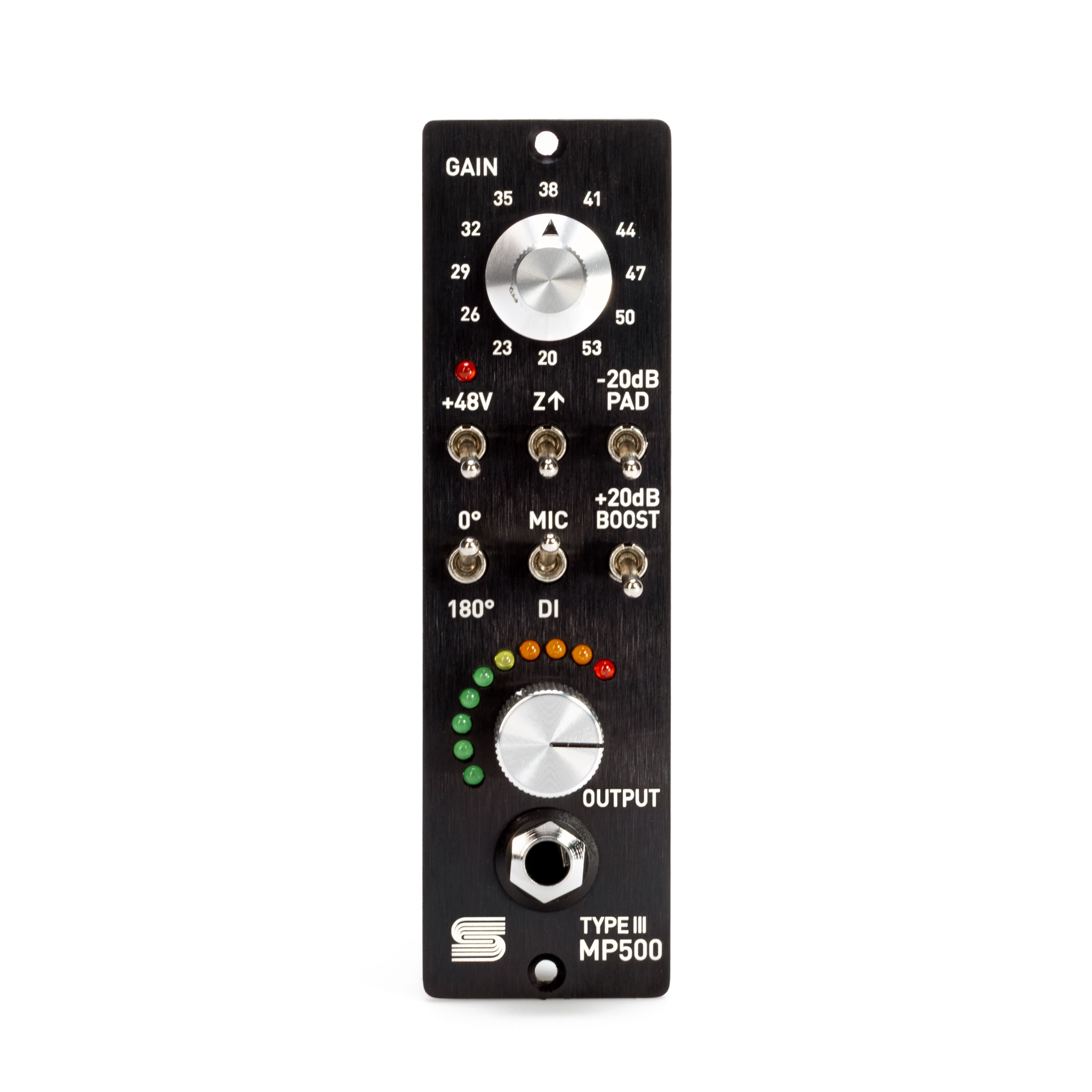
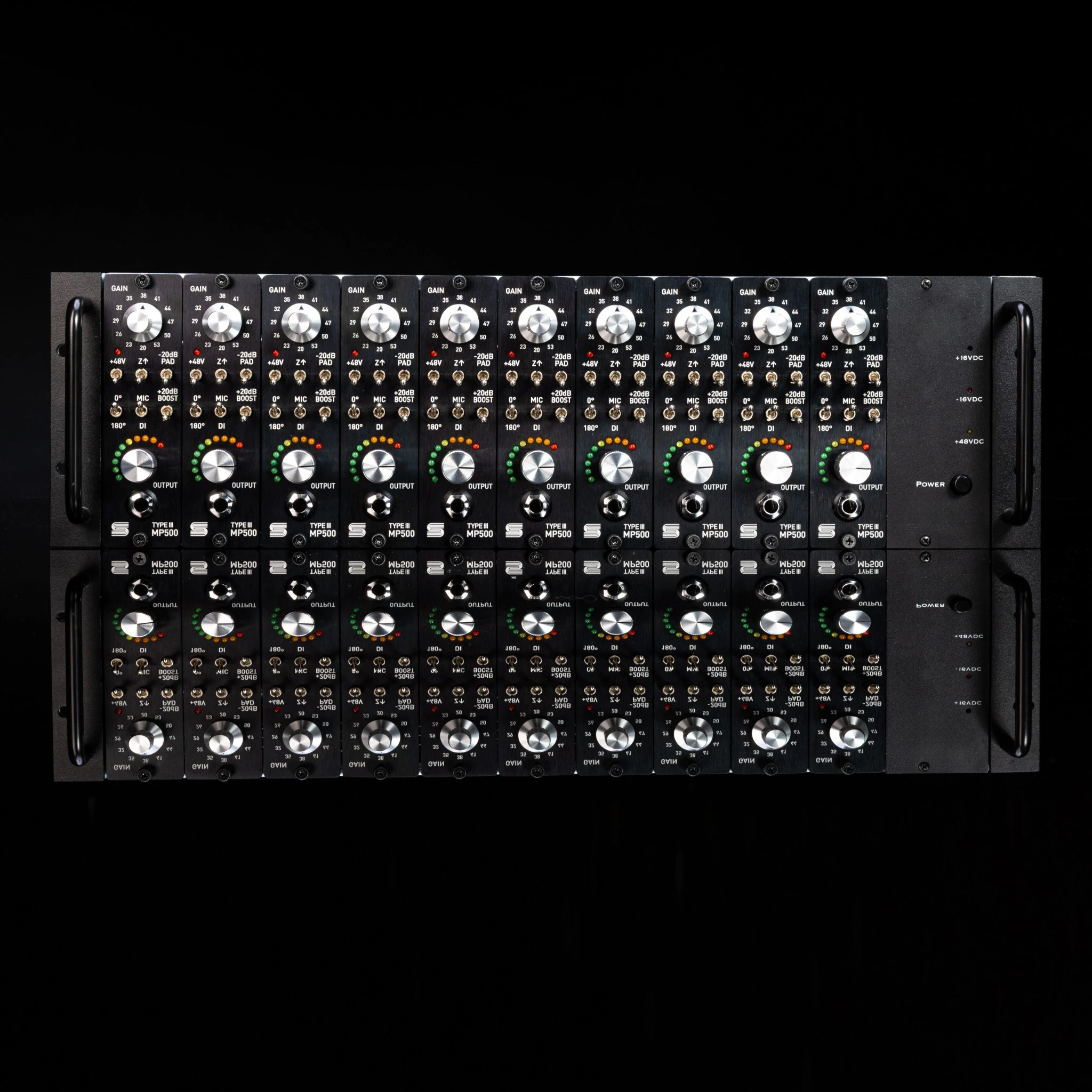
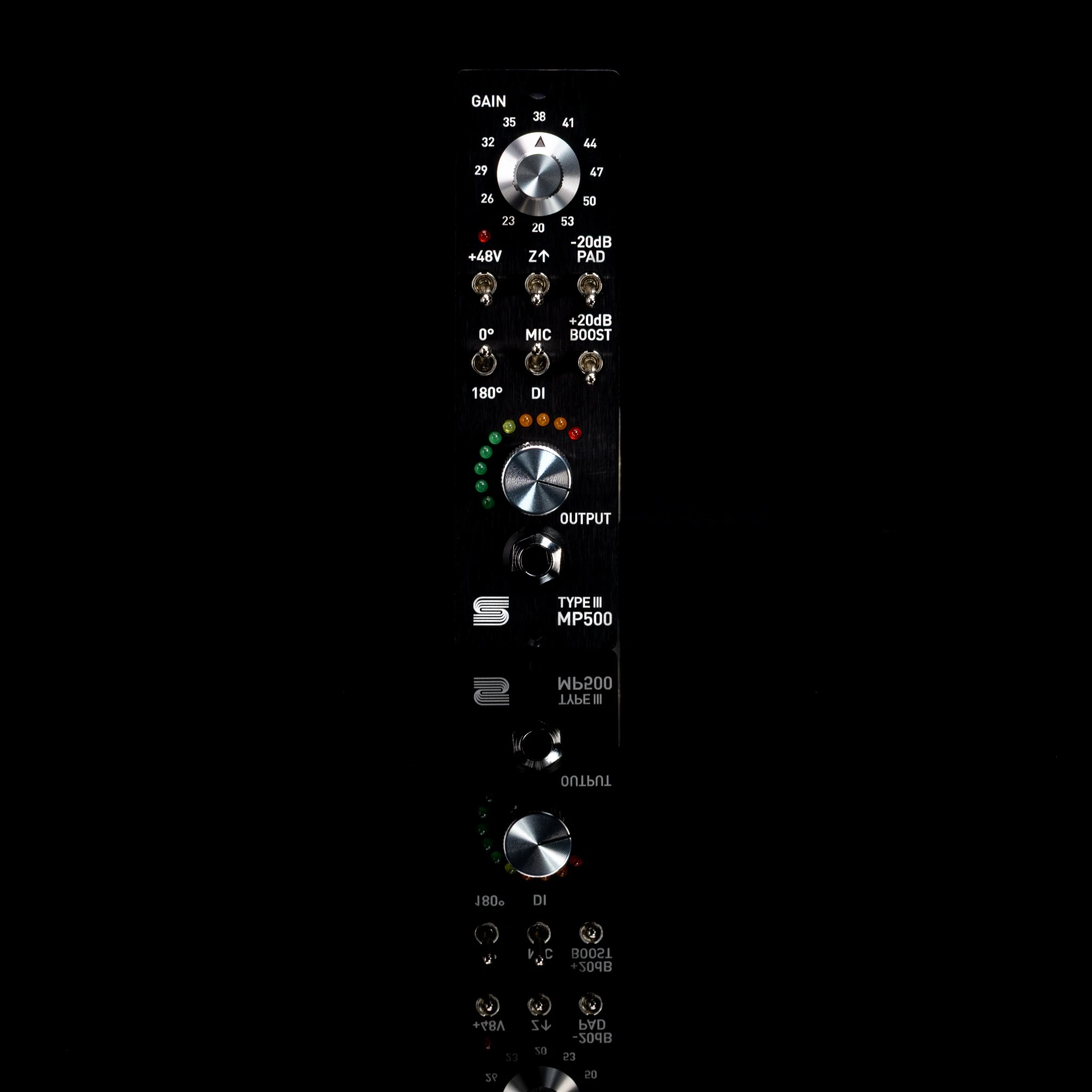
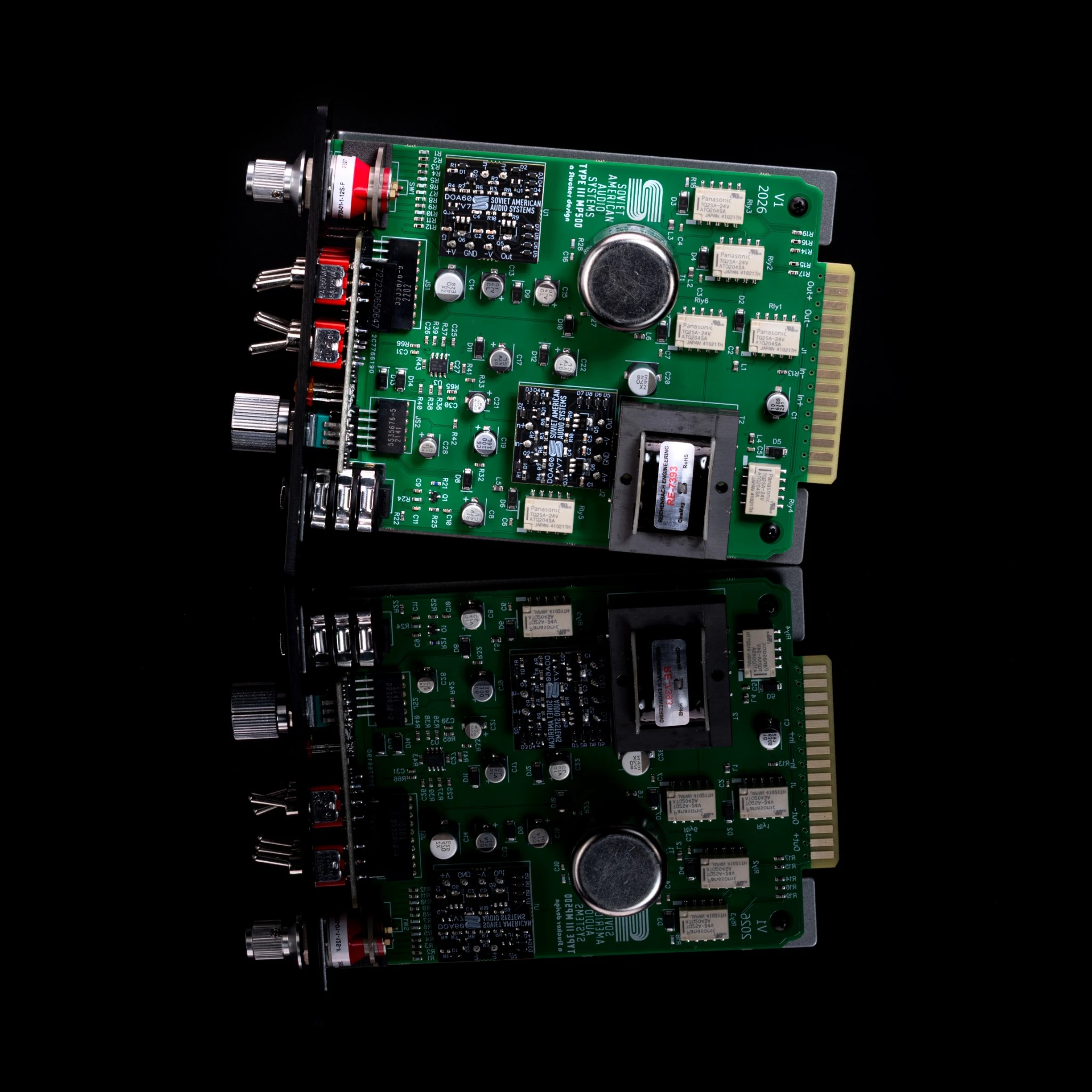
The MP500 is a dual-gain-stage, transformer-balanced 500 Series microphone preamp inspired by a vintage Sphere Eclipse console. This original design delivers the character and dimensionality of the classic Sphere sound with greater functionality, a dedicated Direct Input (DI) circuit, and at least 83 dB of available gain.
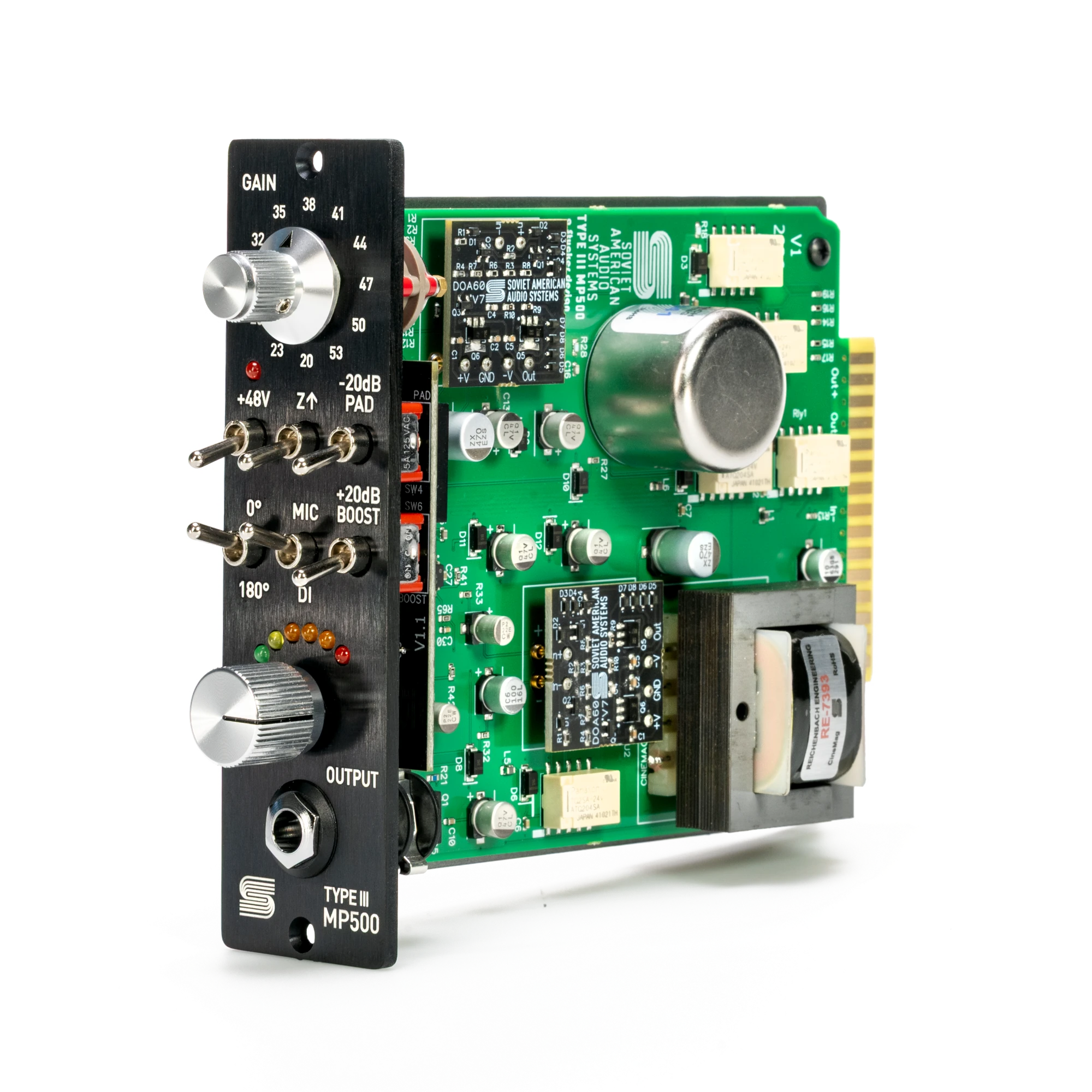
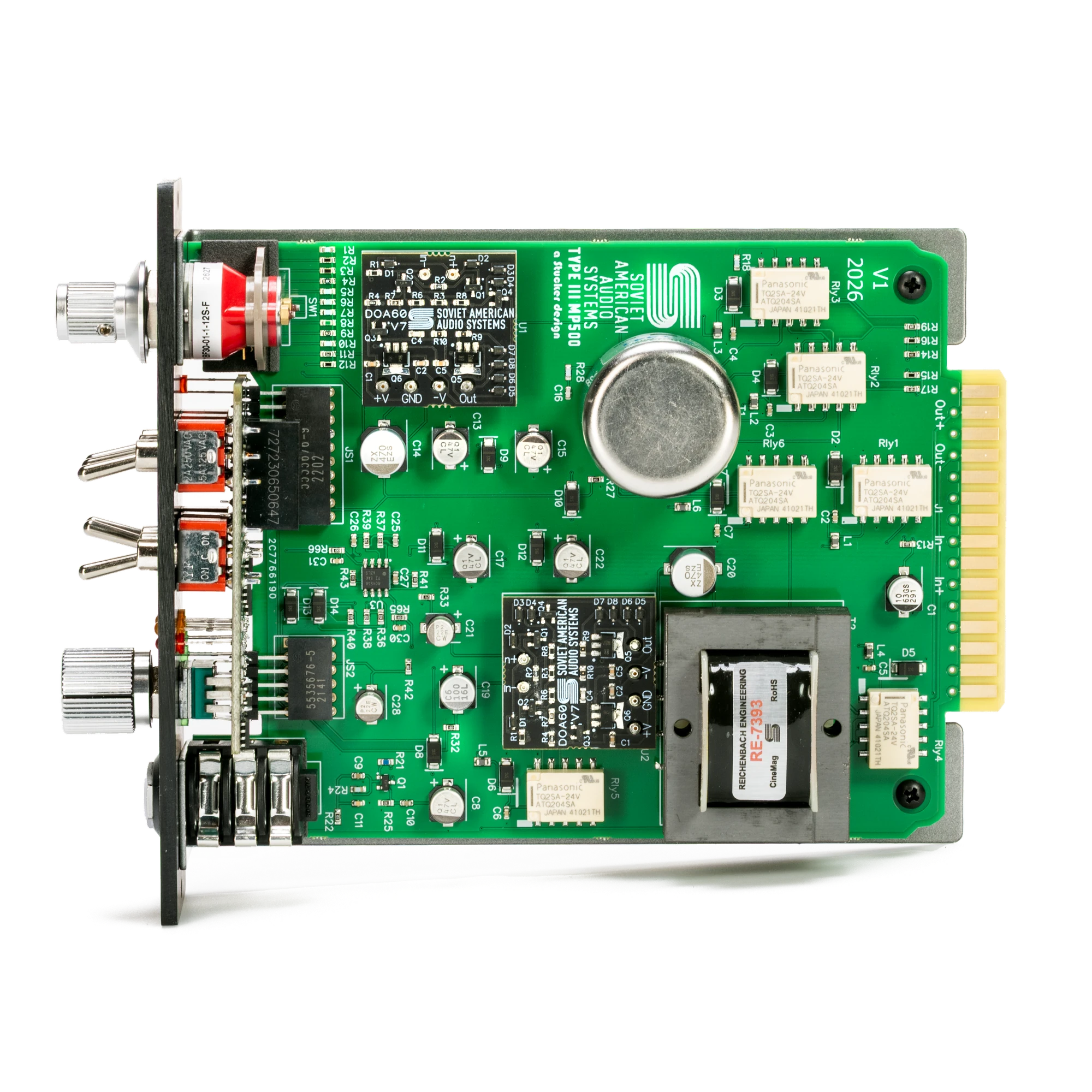
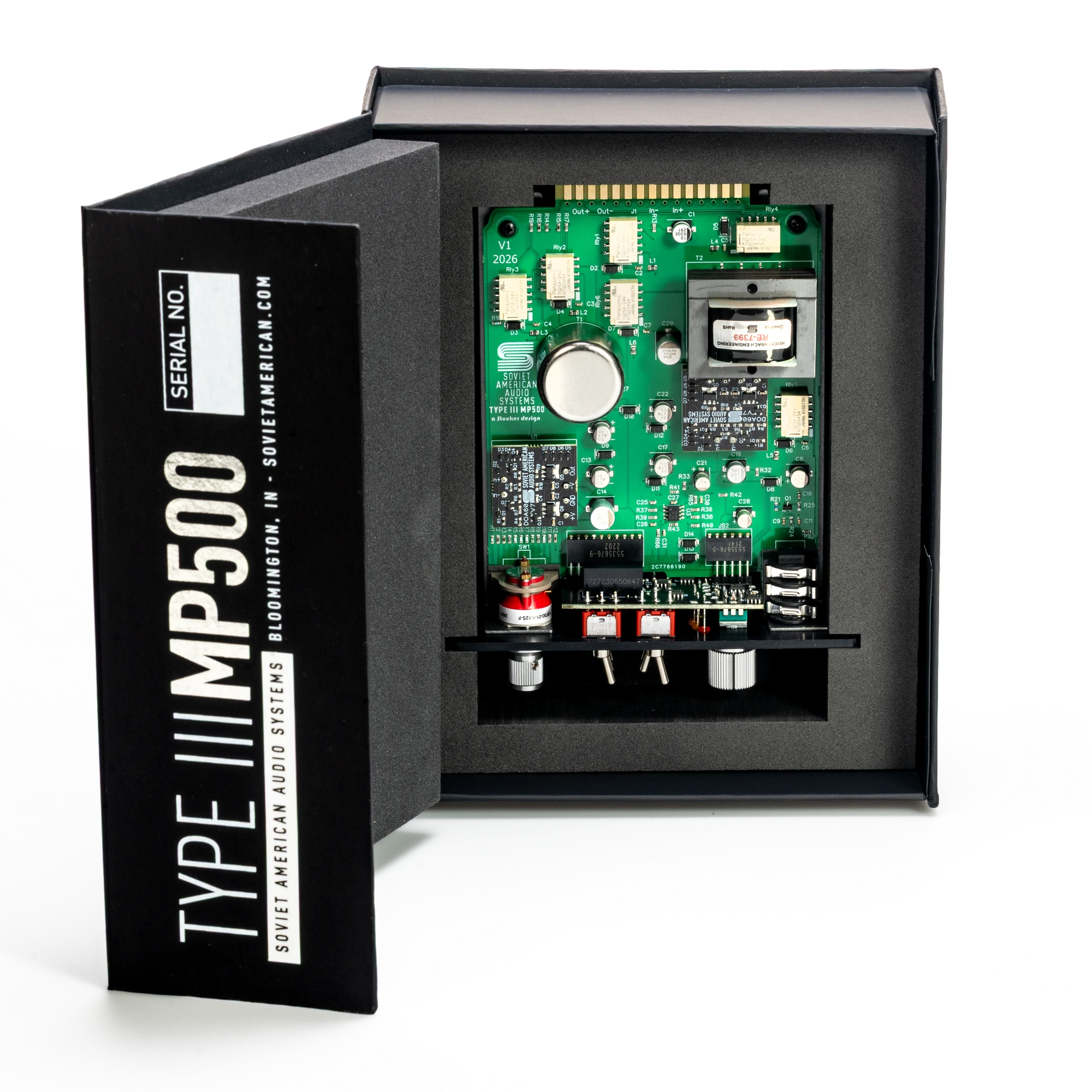
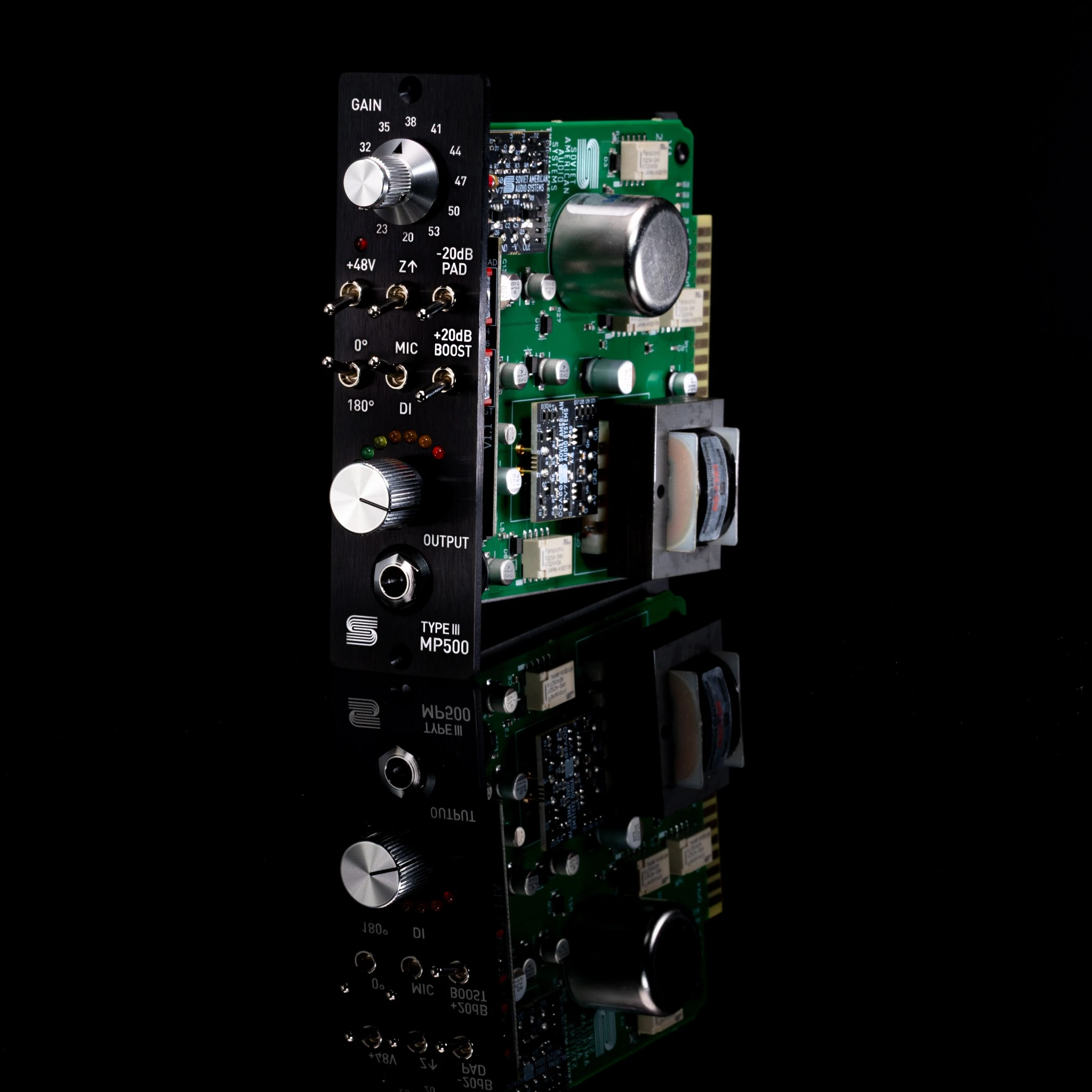
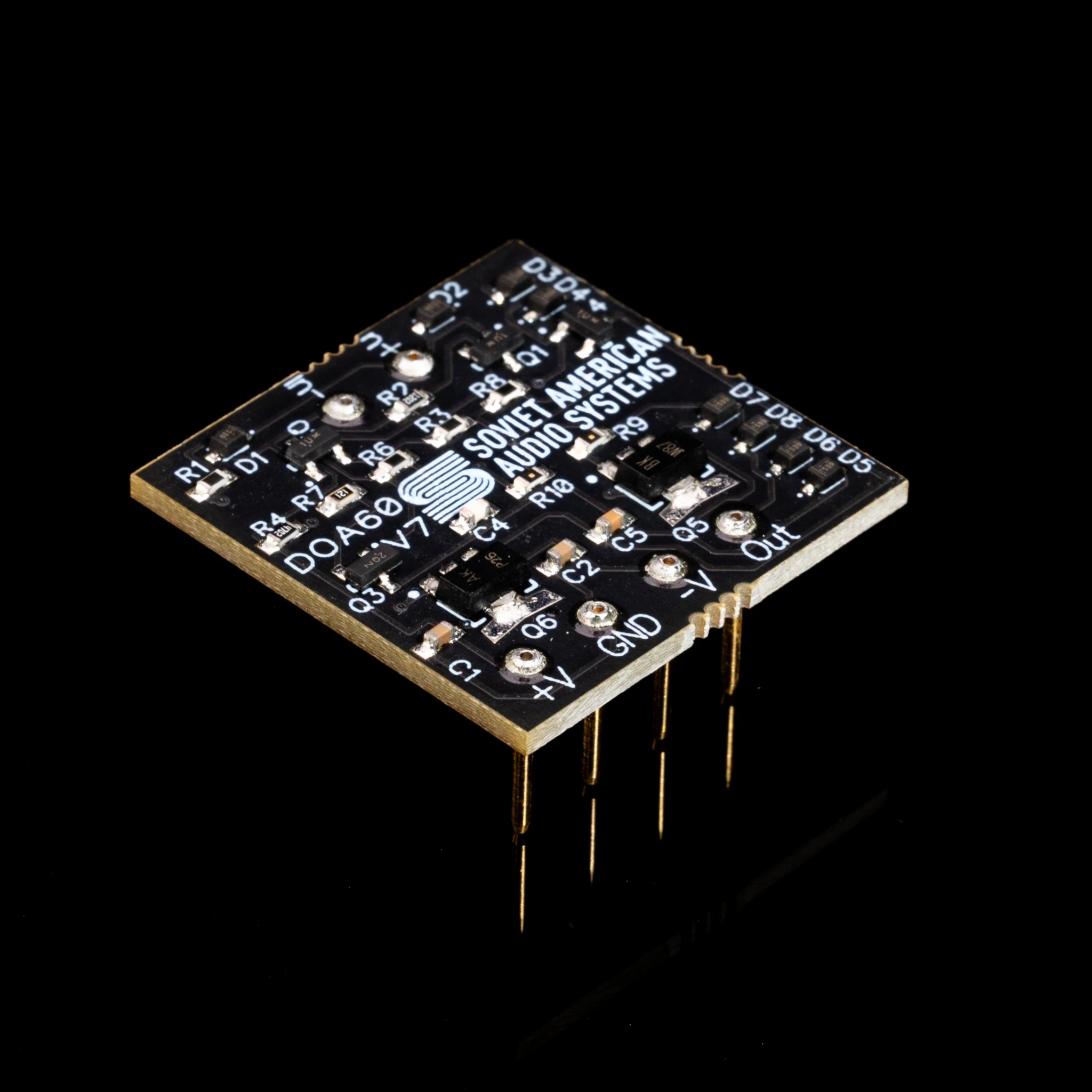
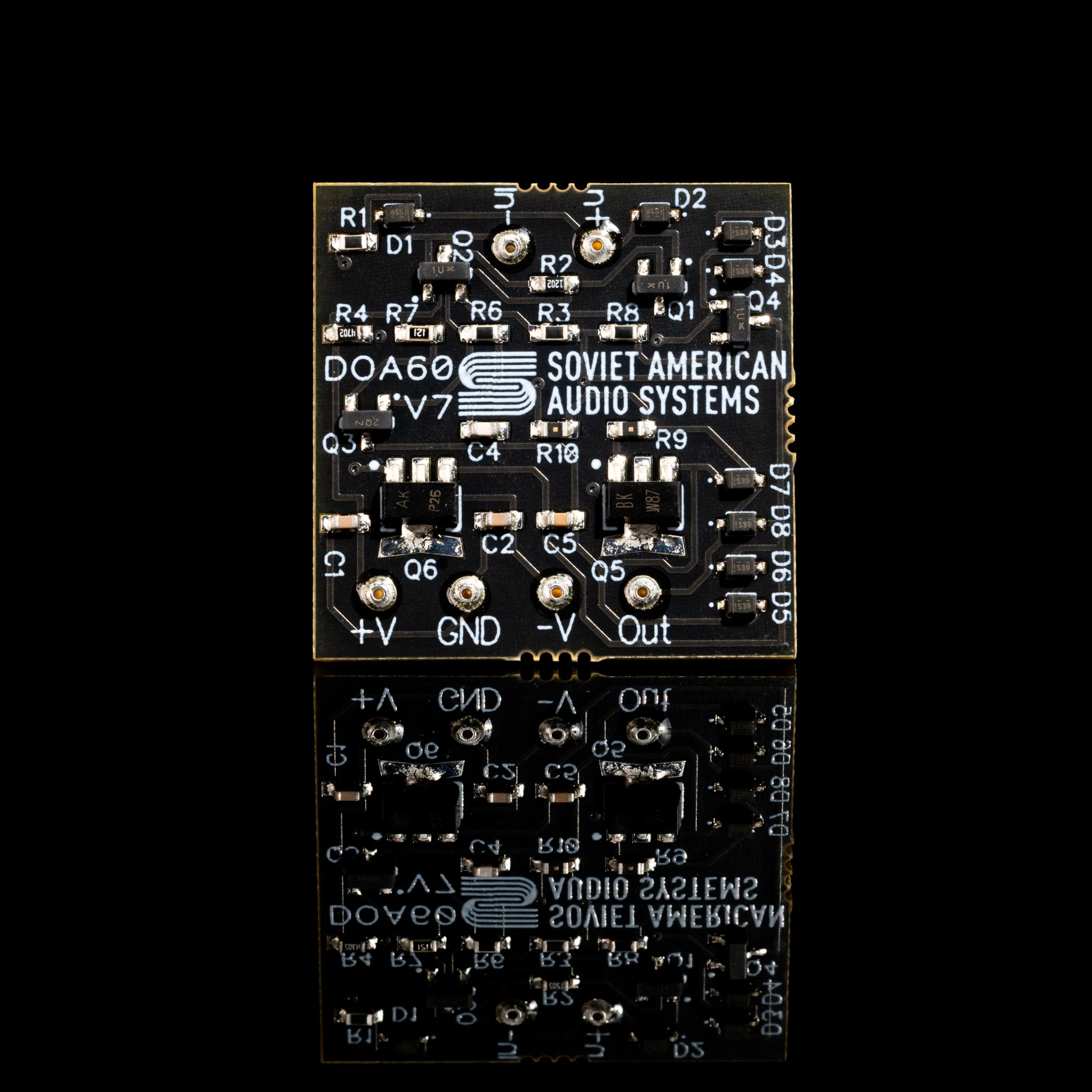
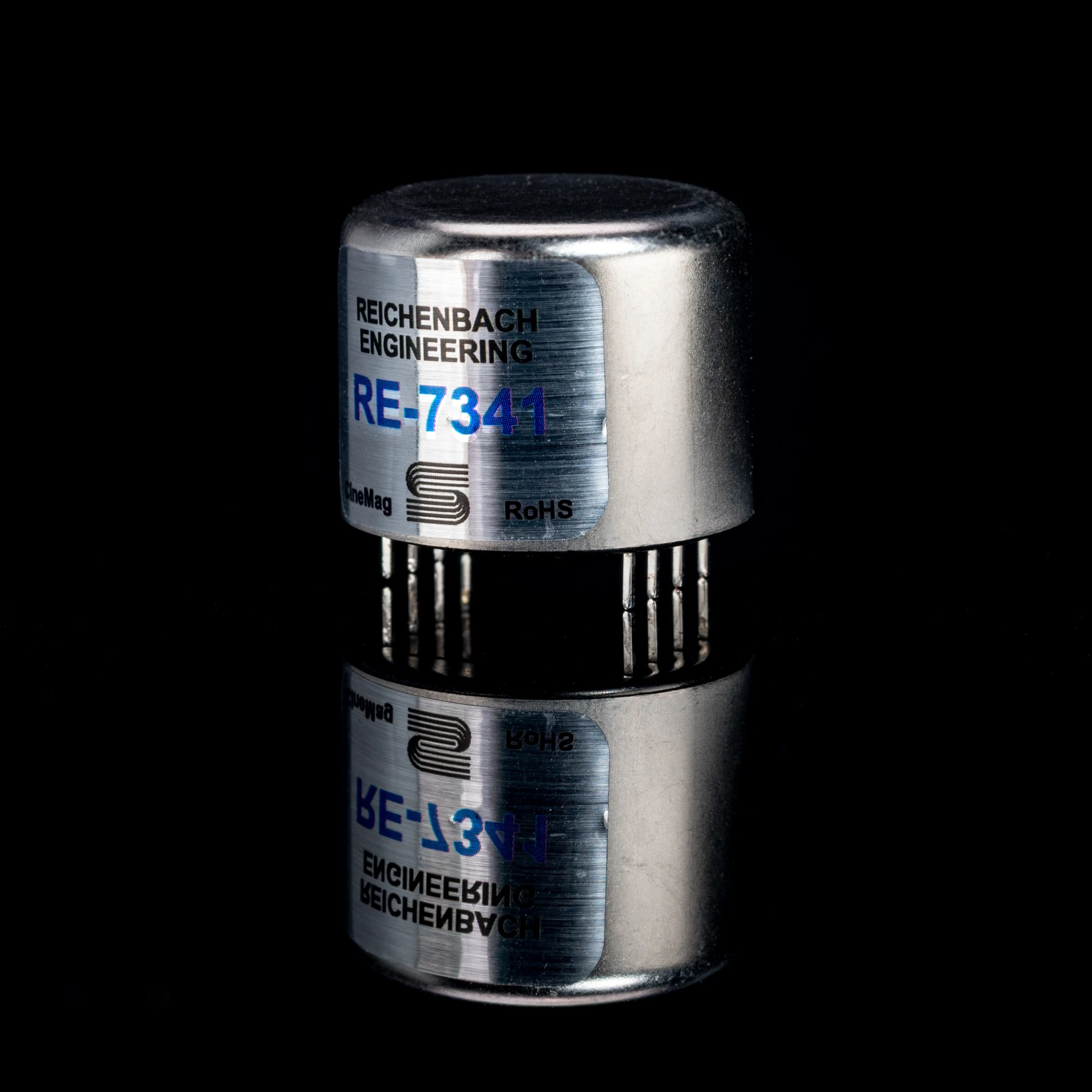
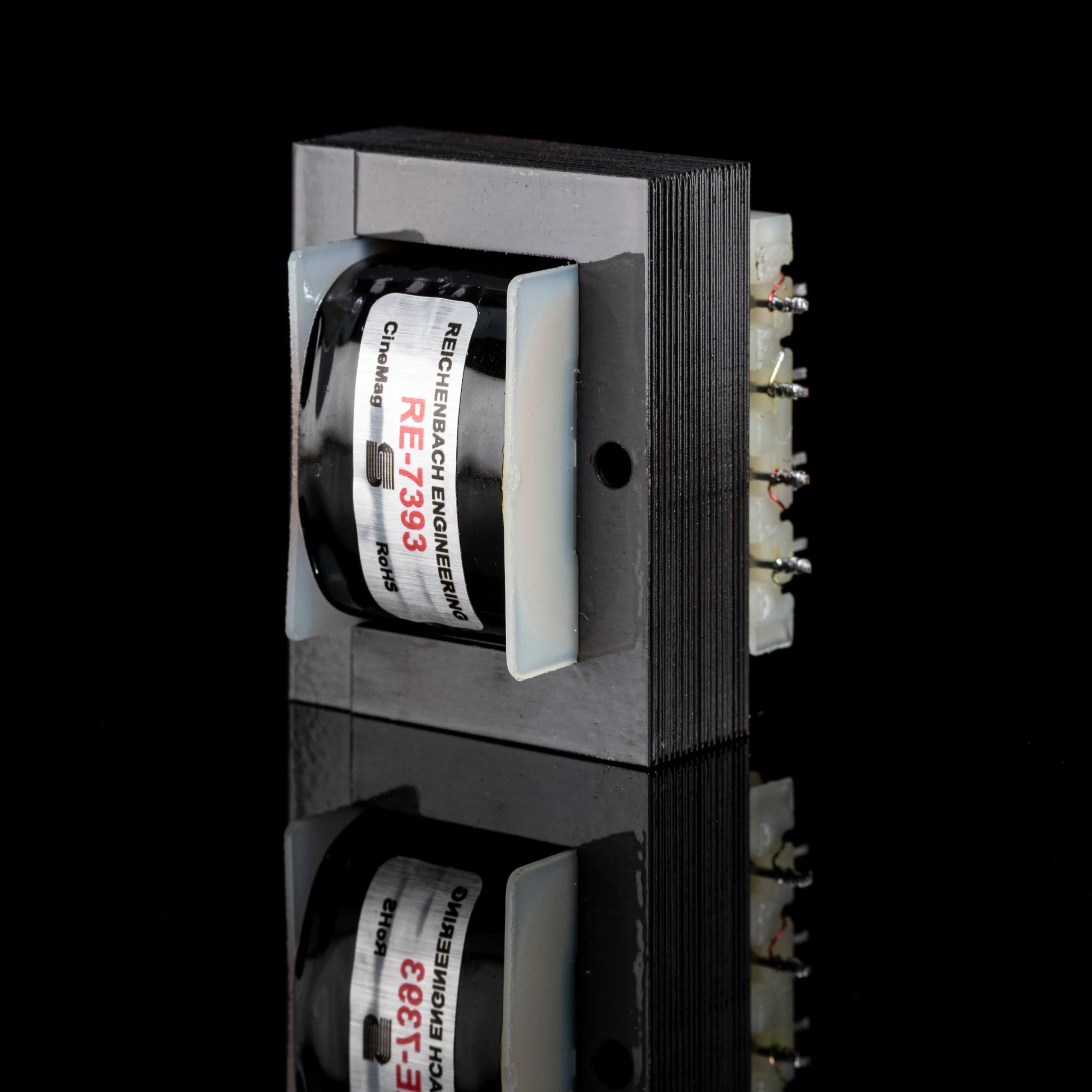
The MP500 is a dual-gain-stage microphone preamp based on the preamps in Russian Recording’s vintage Sphere Eclipse Type III analog recording console. It uses newly manufactured Reichenbach 7341 microphone input and 7393 output transformers, made in the same factory using the same drawings and materials as the transformers in vintage Sphere consoles, along with two SAAS-designed DOA60 discrete op amps.
The DOA60 was inspired by the sound of the original SPA60 amplifiers used in vintage Sphere consoles. It uses thoughtfully chosen modern components to improve consistency, specs, and stability while retaining the detail, imaging, and sonic character that made the original amplifiers so special. The first amplifier handles input gain, and the second handles output gain. Together, they provide at least 83 dB of total available gain.
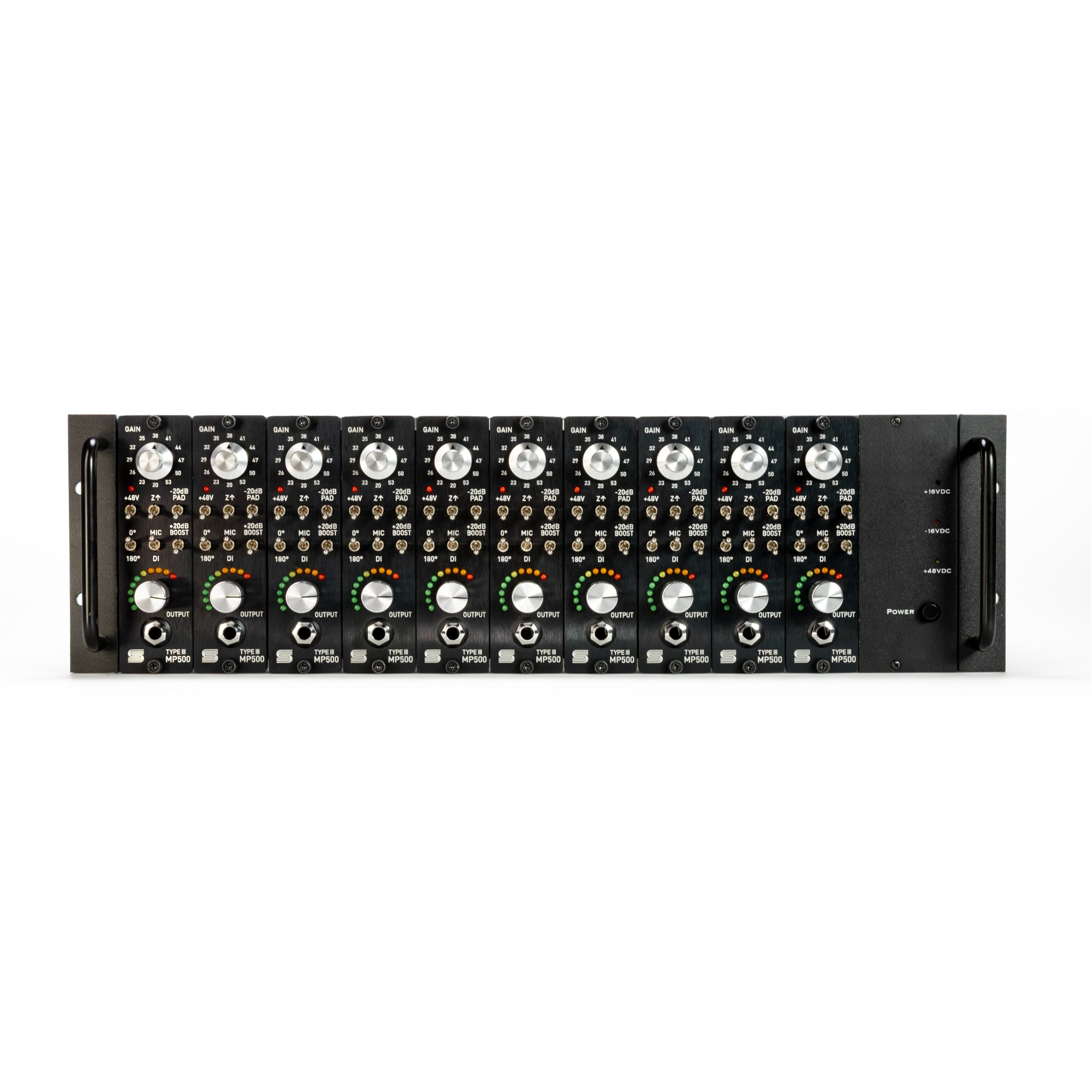
While the original vintage console preamps were limited to two input gain settings with an input pad, the MP500 provides 12 input gain settings on a Grayhill rotary switch, a 20 dB input pad, selectable input impedances of 300Ω or 1.5kΩ, and fully variable output level. This gives the engineer precise control over both gain stages and the ability to handle quiet and loud sources with ease. The 1.5kΩ setting reduces gain by about 6 dB depending on the microphone’s output impedance, while adding a subtle rise in the high frequencies. A selectable 20 dB boost can be added to the output stage when additional gain is required.
The MP500 also includes a dedicated active Direct Input (DI) for direct instrument recording. Unlike many other 500 Series preamps, the direct input uses a dedicated input stage inspired by instrument amplifiers of the 70s. The DI signal still passes through both DOA60 gain stages and the output transformer.
Technical Specifications
| Front & Rear Connectors |
|
|---|---|
| Gain Range |
|
| Maximum Input Level |
Mic: -5 dBu (+ 17dBu with pad) |
| Input Impedance |
|
| Output Impedance |
Less than 75 Ohms, transformer balanced |
| Frequency Response |
|
| THD+N |
0.006% (1kHz with 38dB gain to +4dBu output) |
| EIN |
-128dBu (unweighted, 150 Ω source, at 60dB of gain) |
| Power Consumption |
± 16 Volts/DC @100mA |
| Size |
1.5″ X 5.25″ X 7″ deep |
| Size (Boxed for Shipping) |
9” x 7.5” x 3.5” |
| Actual Weight |
1lb. 2.4oz. |
| Shipping Weight |
2lb 1.6oz |
| Year | 2026 |
| Model | Type III MP500 |
| Manufacturer | Soviet American Audio Systems |
| Country of Origin | United States |
| Power Source | 500 Series Rack |
| Channels | Mono |
| Amplifier Type | FET |
The MP500 uses two separate gain stages. The stepped GAIN control sets the amount of input gain and how hard the first DOA60 is driven. The continuously variable OUTPUT control sets the level into the second stage and lets you adjust the final output level independently. The +20 dB BOOST switch adds 20 dB of gain to the output stage. Together these controls let you use the MP500 as a clean, high-headroom preamp, or drive the input stage deliberately for anything from subtle color to aggressive crunch, while keeping the level sent to your recorder under control.
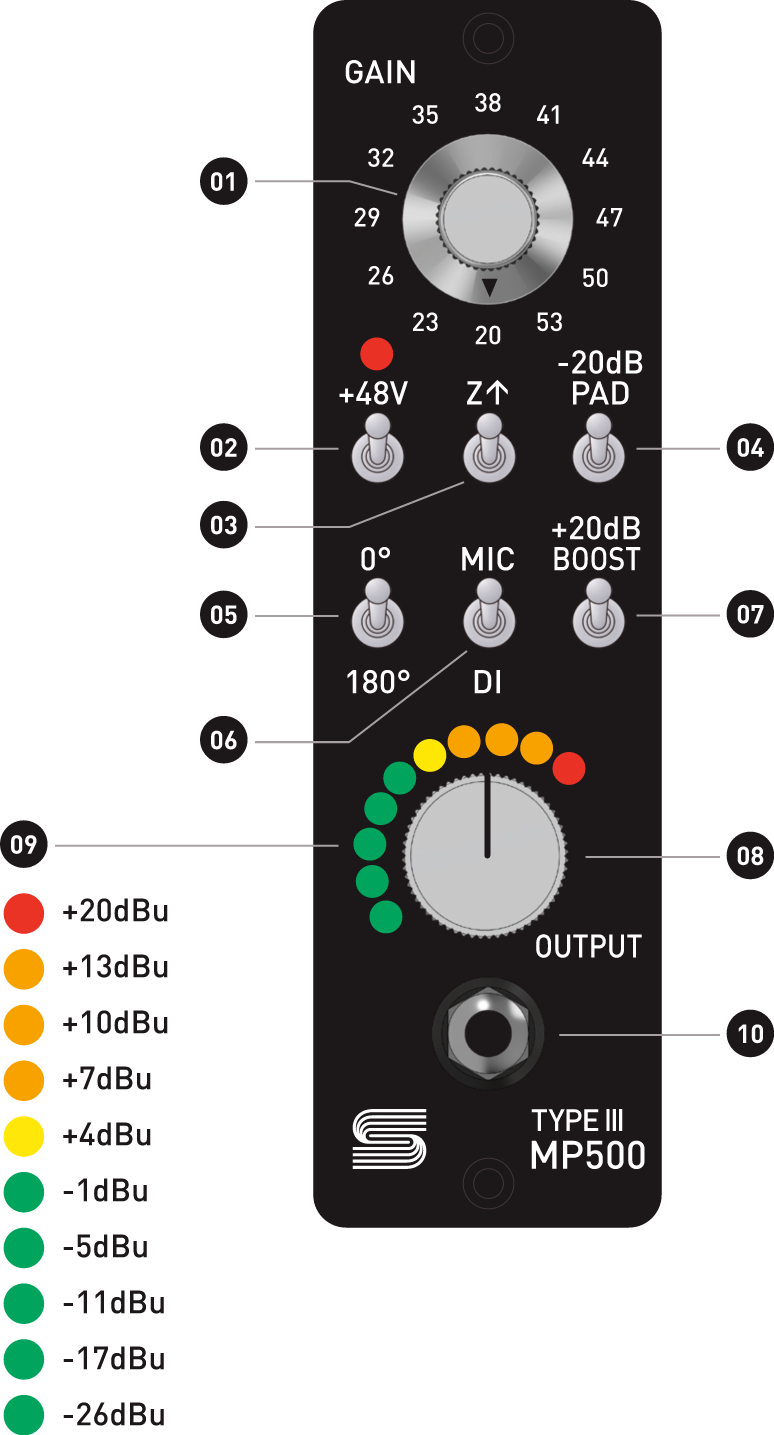

Select your desired input impedance, the -20 dB PAD and +20 dB BOOST disengaged, and OUTPUT at about 3 o’clock. Increase GAIN while watching both the MP500’s output meter and the input meter on your recorder, then use OUTPUT to set the final recording level.
For the cleanest result, use only as much input GAIN as the source requires and keep enough headroom on both the MP500 and the receiving device. For more color, increase GAIN to drive the first amplifier harder, then reduce OUTPUT to keep the level reaching your recorder under control. This can produce anything from subtle density to extreme crunch.
For quiet sources or low-output microphones, increase GAIN first. If you still need more, back GAIN off about six steps (18 dB), engage the +20 dB BOOST, then bring GAIN back up as needed until you reach the desired level. For loud sources, start at the lowest GAIN setting and engage the -20 dB PAD if the input is still overloaded.
The Z↑ switch changes the electrical load presented to the microphone by changing how the windings on the 7341 microphone input transformer are connected, so the audible result varies by microphone. Neither setting is universally correct, try both on any source when time allows.
300Ω (Z switch down) gives the most available input gain. The 1.5kΩ (Z switch up) position typically reduces gain by about 6 dB while adding a subtle rise in the high frequencies. When comparing settings, try bumping GAIN up two steps (+6 dB) at the same time you engage Z↑, to account for the level drop from the impedance change.
Connect an instrument to the front-panel 1/4″ input and flip MIC/DI down to select the DI circuit. Start with a low GAIN setting, then increase GAIN until you reach the level and character you want. Use OUTPUT to set the final recording level.
For a clean DI sound, keep input gain conservative and leave enough headroom for the instrument’s loudest peaks. For more saturation, increase GAIN to drive the input stage and reduce OUTPUT to compensate. Driving the input gain on DI sources can soften or clip transients in a musically useful way, or push further into saturation.
The DI signal passes through both DOA60 gain stages and the Rechenbach output transformer.
The MP500 can also add the character of its transformers and discrete amplifiers to previously recorded signals, including individual tracks, instrument busses, and full mixes.
To process a line-level source:
Engage Z↑ to select the 1.5kΩ and add its subtle high frequency lift. For more obvious saturation, increase GAIN and reduce OUTPUT while carefully monitoring the level returning to your recorder.
Reviews
There are no reviews yet.